
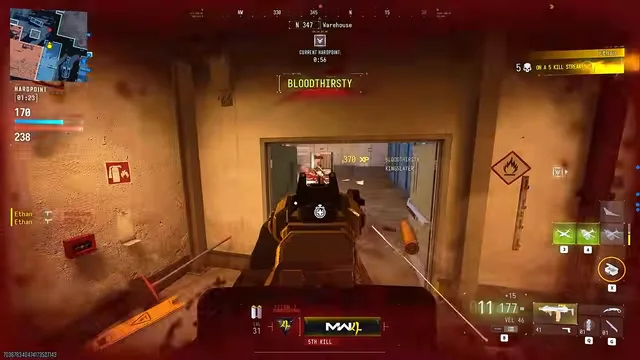
MW4 player ESP and radar setup for readable 6v6 HUDs
Setup: 6v6 maps are small and busy. Here's how to set up player ESP and radar so you get useful information instead of a cluttered screen.
Minimap-style operator feed

At a glance
What 2D Radar focuses on before you open the full module list.
Plus 3 additional modules in the operator portal—see the full list below.
Overview
How this build fits ranked, Turbo, and patch-day workflows.
The radar mirrors ESP logic in a smaller footprint—handy when you are holding a lane and do not want to scan the whole screen.
Modules
Every module and overlay shipped with 2D Radar—toggle and tune in the operator portal.
Experience
Use the screenshots above for 2D Radar—below is what each layer means and how access works after checkout.
Operator dots with range and zoom for Ground War rotations.
Pull zoom in for Ground War lanes.
FAQ
Answers tied to what you are reading—visit the FAQ page for every topic.
Guides
Curated articles for setup, tuning, and patch-day checks that match this product.
Setup: 6v6 maps are small and busy. Here's how to set up player ESP and radar so you get useful information instead of a cluttered screen.

Patch: A game update just landed. Here's what to check before launching your MW4 tools so you don't waste time or take unnecessary risks.

A plain-English walkthrough of every MW4 feature in the menu, which modes it works in, and who actually needs it.