

Aim circle size, smoothing and bone choice for MW4
Circle: How to set up MW4 aim assist so it helps your tracking without looking like a screen-snap. Starting values for 6v6, Ground War and DMZ.
Smooth aim inside your FOV ring

At a glance
What Aimbot focuses on before you open the full module list.
Plus 8 additional modules in the operator portal—see the full list below.
Overview
How this build fits ranked, Turbo, and patch-day workflows.
The aim module eases onto targets inside a circle you control. It respects the same visibility rules you expect in a competitive match—no tracking through solid walls.
Start with a wide circle and higher smoothing in private matches, then tighten values once your crosshair placement feels natural.
Players who want steadier gunfights in 6v6 and Ground War without jerky camera movement. Pair with player ESP if you need extra context on flanks.
Modules
Every module and overlay shipped with Aimbot—toggle and tune in the operator portal.
Experience
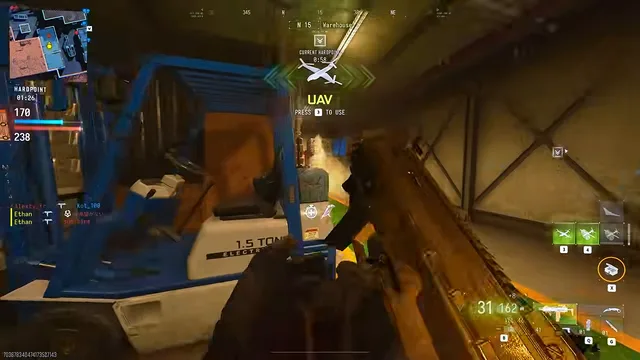
Use the screenshots above for Aimbot—below is what each layer means and how access works after checkout.
FOV ring, smooth strength, and bone priority for 6v6 engagements.
On-screen FOV ring for believable tracking help.
FAQ
Answers tied to what you are reading—visit the FAQ page for every topic.
Guides
Curated articles for setup, tuning, and patch-day checks that match this product.
Circle: How to set up MW4 aim assist so it helps your tracking without looking like a screen-snap. Starting values for 6v6, Ground War and DMZ.
No tool is risk-free. Here's what raises or lowers your chances of trouble in MW4, what we can't promise, and why free downloads are a bad bet.

A plain-English walkthrough of every MW4 feature in the menu, which modes it works in, and who actually needs it.