
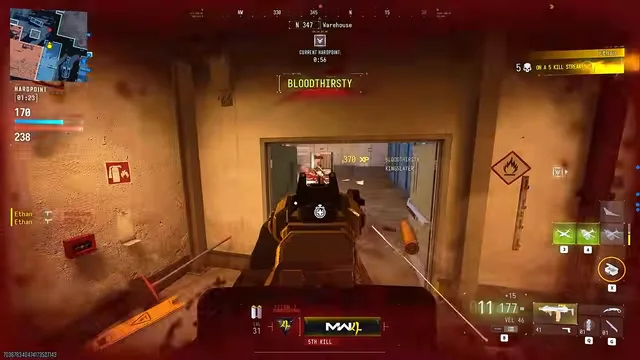
MW4 player ESP and radar setup for readable 6v6 HUDs
Setup: 6v6 maps are small and busy. Here's how to set up player ESP and radar so you get useful information instead of a cluttered screen.
Readable boxes, health, and skeleton

At a glance
What Player ESP focuses on before you open the full module list.
Plus 10 additional modules in the operator portal—see the full list below.
Overview
How this build fits ranked, Turbo, and patch-day workflows.
ESP keeps fights readable: you see who is pushing, who is one plate away, and how far the duel actually is.
Names stay off by default so the screen stays clean—toggle them when you are reviewing demos or coaching friends.
For Hajin DMZ you will usually run the loot layer separately. In 6v6, a tight box plus health is often enough—see the DMZ loot page when you rotate modes.
Modules
Every module and overlay shipped with Player ESP—toggle and tune in the operator portal.
Experience
Use the screenshots above for Player ESP—below is what each layer means and how access works after checkout.
Corner boxes, armor readout, and distance caps for readable 6v6 fights.
Soft colors for cover vs line-of-sight targets.
FAQ
Answers tied to what you are reading—visit the FAQ page for every topic.
Guides
Curated articles for setup, tuning, and patch-day checks that match this product.
Setup: 6v6 maps are small and busy. Here's how to set up player ESP and radar so you get useful information instead of a cluttered screen.

A plain-English walkthrough of every MW4 feature in the menu, which modes it works in, and who actually needs it.

How to use the Hajin DMZ loot layer for contracts, extract points, cash, bags, armor, ammo and vehicles, and why it stays off in 6v6.