

How to buy MW4 cheats in 2026: checkout to first launch
Buying MW4 cheats for the first time? Here's how checkout, delivery and first launch work, plus what to check on your PC before you pay.
If you’ve never bought game software from a site like this, the process looks sketchier than it is. Here’s what actually happens, in order.
Check your PC before you pay
This is the step people skip, and it causes most of the “it doesn’t work” tickets. MW4 on this tool needs Windows 10 or 11, an Intel or AMD processor, and the PC version of the game. It also needs four Windows security features switched on: HVCI, Core Isolation, TPM and Secure Boot. That sounds backwards, but it’s how the loader is built. Our setup checklist walks you through checking each one in about five minutes.
Also look at the status page before buying. If it shows an update in progress after a game patch, wait for it to go active.
Pick monthly or lifetime
Monthly is $35 for 30 days. Lifetime is $150 once. The feature list is the same on both, so you’re only choosing how long you want access. If you’re not sure, our monthly vs lifetime breakdown does the math.
Check out
Open the MW4 product page, choose your duration and hit Buy Now. Use an email you actually check. Your access details go there.
First launch
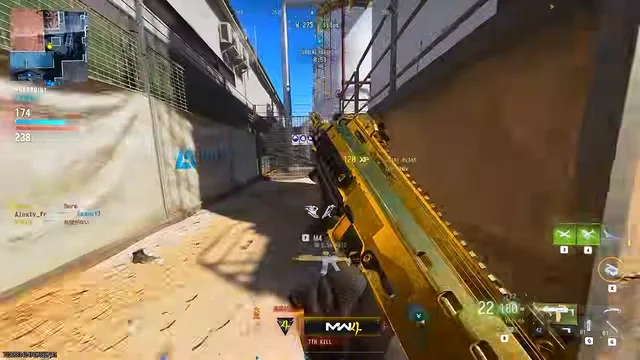
Run the loader, start Modern Warfare 4, and press INSERT to open the menu. Don’t switch on everything at once. Turn on player ESP first, play a match, then add aim assist if you want it. Settings are easier to learn one at a time.
If something goes wrong
Nothing in your inbox? Check spam, then open a ticket at support with your order email. For loader errors, start with the troubleshooting guide.
Ready?
Pick your duration and you’ll be set up in a few minutes.
Related articles

Risk and ban exposure: an honest MW4 safety guide
No tool is risk-free. Here's what raises or lowers your chances of trouble in MW4, what we can't promise, and why free downloads are a bad bet.
MW4 cheats monthly vs lifetime: which one is cheaper for you?
$35 a month or $150 once? Here's the break-even math, and the situations where each option makes sense.

After a Modern Warfare 4 patch: your cheat update checklist
Patch: A game update just landed. Here's what to check before launching your MW4 tools so you don't waste time or take unnecessary risks.