

MW4 cheat system requirements: HVCI, Core Isolation, TPM and Secure Boot
Before you buy, check these four Windows settings. Here's how to verify HVCI, Core Isolation, TPM and Secure Boot on Windows 10 and 11.
Most failed first launches come down to one thing: a Windows security setting that isn’t on. The requirements are simple, but you should confirm them before buying.
The checklist
- Windows 10 or Windows 11
- Intel or AMD CPU
- PC version of Modern Warfare 4
- HVCI: On
- Core Isolation: On
- TPM: On
- Secure Boot: On
How to check each one
Core Isolation and HVCI (memory integrity). Open Windows Security, go to Device security, then Core isolation details. Turn on Memory integrity. Restart if Windows asks.
TPM. Press Windows + R, type tpm.msc and press Enter. You should see “The TPM is ready for use.” If you see “Compatible TPM cannot be found,” look in your BIOS for an option called fTPM (AMD) or PTT (Intel).
Secure Boot. Press Windows + R, type msinfo32 and press Enter. Look for “Secure Boot State.” It should say On. If it says Off, enable it in your BIOS. If it says Unsupported, your system may not be compatible.
If memory integrity won’t turn on
Windows usually lists the driver that’s blocking it. Update that driver or remove the old software it belongs to, then try again. Older hardware utilities are a common cause.
After you’ve checked everything
Install the loader, run it as administrator, start Modern Warfare 4, and press INSERT to open the menu.
If anything still fails, see the loader troubleshooting guide or open a ticket on the support page.
Meet the requirements? Get started
Related articles

MW4 triggerbot and no recoil: how to use them without overdoing it
How the MW4 triggerbot decides when to fire, how the light no-recoil works on rifles, and when to use each one.
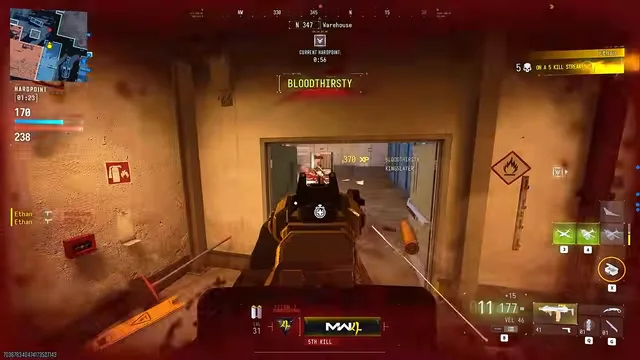
MW4 player ESP and radar setup for readable 6v6 HUDs
Setup: 6v6 maps are small and busy. Here's how to set up player ESP and radar so you get useful information instead of a cluttered screen.

Aim circle size, smoothing and bone choice for MW4
Circle: How to set up MW4 aim assist so it helps your tracking without looking like a screen-snap. Starting values for 6v6, Ground War and DMZ.